At restaurant tables
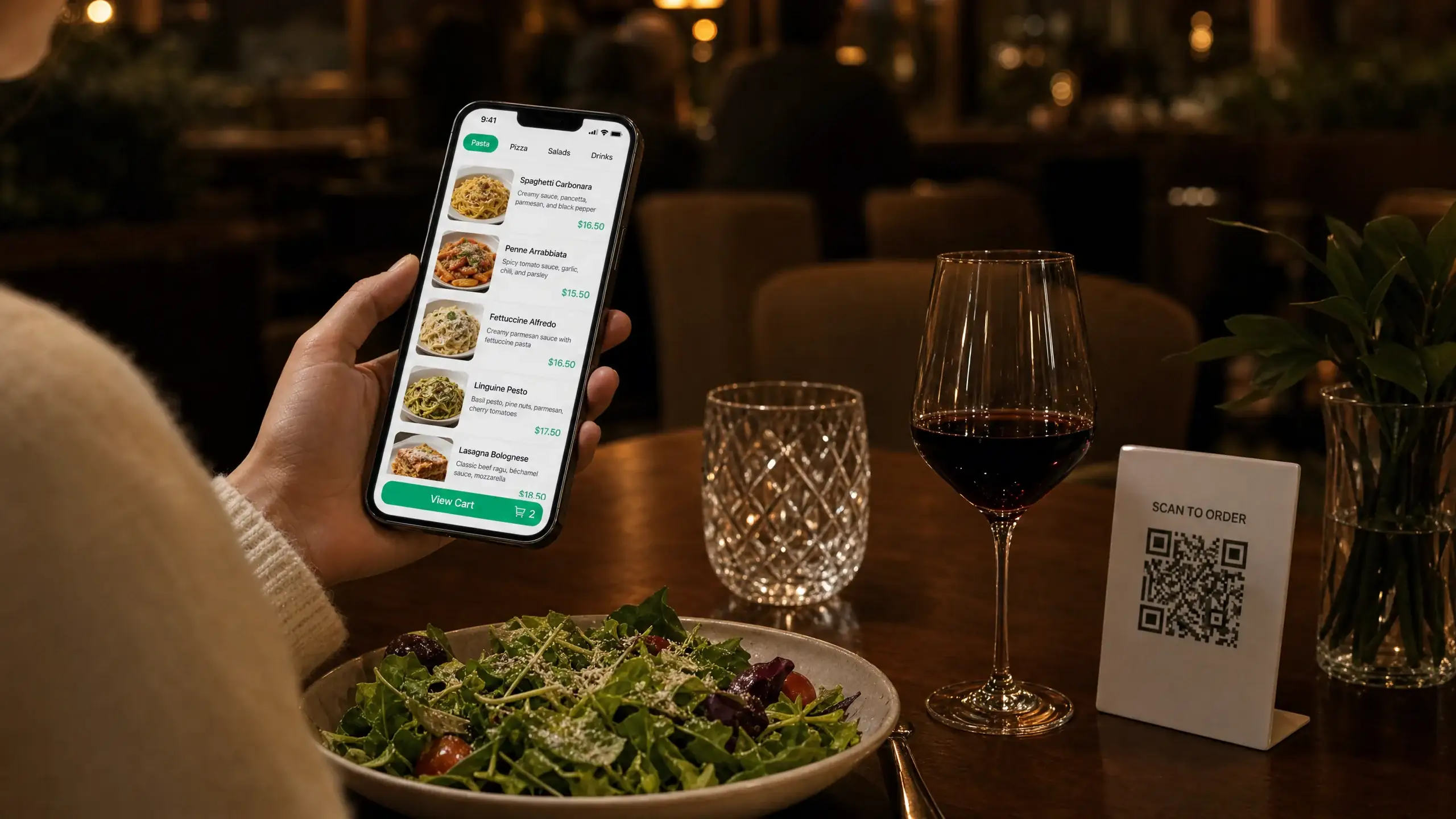
Place a tested code where guests can scan it while seated.
A practical free QR menu generator
Turn your existing menu into a mobile-friendly digital menu. Import a PDF, photo or website link, edit your dishes and prices, then publish your menu and generate a printable QR code.
MENUFORMA
Menu
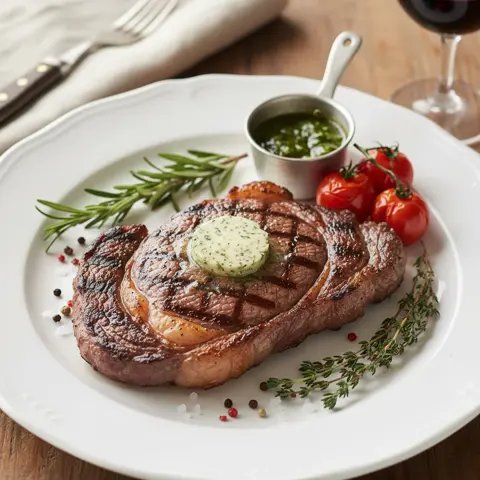
Grilled Ribeye Steak
$28.90
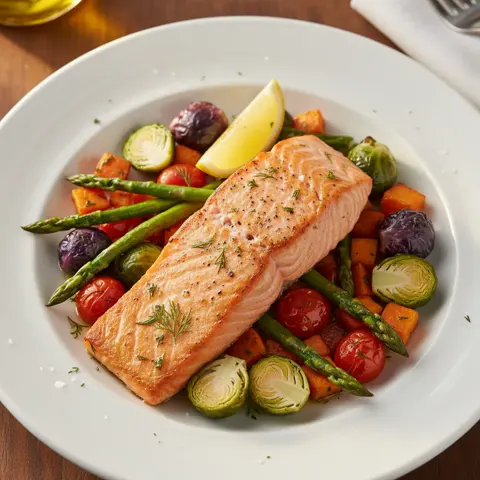
Grilled Salmon
$24.50
 See a real menu
Start with the menu you already have. Create a free account to edit and publish it.
Start the free QR menu generator with a PDF, photo, spreadsheet, document or website link. You can also add dishes manually.
Arrange categories in the order guests expect, correct the details and choose the basic menu template. Open the preview on a phone to check the text size, images and prices.
Publish the menu, download its QR code and scan a test print with your phone. Check it at the distance and location guests will use.
MENUFORMA
Menu
Grilled Ribeye Steak
$28.90
Grilled Salmon
$24.50
MENUFORMA
Menu
Grilled Ribeye Steak
$28.90
Grilled Salmon
$24.50
MENUFORMA
Menu
Grilled Ribeye Steak
$28.90
Grilled Salmon
$24.50
A useful free QR menu generator gives you control over both the menu guests read and the code they scan.
Edit dishes, prices and availability in your dashboard.
Import an existing file instead of typing every dish from scratch.
Add your own photos alongside dish names, descriptions and prices.
Guests scan the code with their phone camera and open the menu in a browser.
The free plan includes dine-in table ordering.
Send the menu link in a message or place it on your website and social profiles.
Place a tested code where guests can scan it while seated.
Use a code near the entrance or counter so guests can browse drinks, specials and prices while waiting.
Use the menu link on your website, or put its QR code on table tents, flyers and receipts.
Start free, upgrade when you need more
| Simple, Transparent Plans | Free Forever $ 0 /month Get Started Free | Popular Regular $9.9 /month |
|---|---|---|
| QR Menu Display | ||
| Online Ordering | ||
| Table QR Code Ordering | ||
| Custom Business Info | ||
| Upload Custom Food Images | ||
| 1 Restaurant | Multiple Restaurants | |
| 1 Primary Language | Multiple Languages | |
| 1 Menu Display Template | Multiple Menu Display Templates | |
| MenuForma Branding Shown | Optional: Remove MenuForma Branding | |
| Pickup & Delivery Ordering | ||
| AI-Generated Food Images | ||
| Online Payments (42 countries) | ||
| Tablet Ordering Mode | ||
| Staff & Team Accounts | ||
| Custom QR Codes (Logo, Patterns, CTA) | ||
| Analytics Dashboard |
It creates an editable restaurant menu, a public menu link and a QR code pointing to that link. Guests see the menu, while your team uses the dashboard to maintain it.
Yes. Free Forever covers one restaurant, one main language and the basic features shown in the comparison above.
You can import a PDF, photo, spreadsheet, document or website link, or enter the dishes manually. Compare imported names, prices and categories with the original before publishing, especially where the source has small text or complex layouts.
Yes. Register or sign in to use the dashboard, save your restaurant and manage the menu.
The QR code is a link to your published menu. A PDF or photo can supply the starting content, which you review and edit into menu items.
Yes, when the code continues to point to the same published menu address. Update the dishes or prices in the dashboard and check the live result.
Dine-in table ordering is included in the free plan. Set up your table numbers, explain the flow to staff and place a test order before using it during service.
Those are Regular features. Supported online payments require a configured merchant account and availability varies by country.
Scan a sample with more than one phone, using the lighting and distance guests will encounter. Check that the menu loads, the categories and prices are readable and any ordering flow works for the correct table.
The online menu needs a connection to load. Offer a printed menu or staff assistance when a guest cannot scan or connect.
Bring your menu online with a free account. Add your dishes, preview the result and share your QR code.
Create your free menu